Icebreakers is an instrument to invite other website users to start a communication with you. Such first messages and letters should be neutral and not personalized.
Before you can send your Icebreakers to other users, all your messages and letters will be checked by the Moderation Team.
How to send Icebreakers for moderation?
1. Click Send to Moderation tab as shown on a screenshot below.

2. Choose the type of activity (Chat or Mail) and add your message or letter.
3. Click the Send to Moderation button to send your Icebreaker to moderation.
Please notice:
-
Every day, you can send up to 5 Icebreakers to moderation (for example, 2 letters and 3 messages). This time is counted from 00:00 GMT+0 till 00:00 GMT+0 the next day.
-
If your Icebreakers do not appear in Send Icebreakers section 24 hours after it has been submitted for moderation, it means that the Icebreakers were not approved by the Moderation Team.
-
Please do not send a text to moderation more than one time. If the text was already submitted ones, after sending it for moderation the second time, you will see the “Duplicate content” notification.
-
All Icebreakers must be in English only.
-
Please notice, that the moderation of messages and letters content may take up to 24 hours after uploading. Thank you for waiting.
How to activate or stop an Icebreaker?
To start a mass delivery of a message or letter, please open Send Icebreakers tab.
Here you can see all the Icebreakers that were already approved and can be used.
Click Send Icebreakers to activated your Icebreakers.

You can send two Icebreakers of different type simultaneously - one chat message and one mail.
All the activated icebreakers will be shown at In progress tab.
If you want to stop the mass delivery of your Icebreaker, just click the Cancel button.

How to delete the approved Icebreaker?
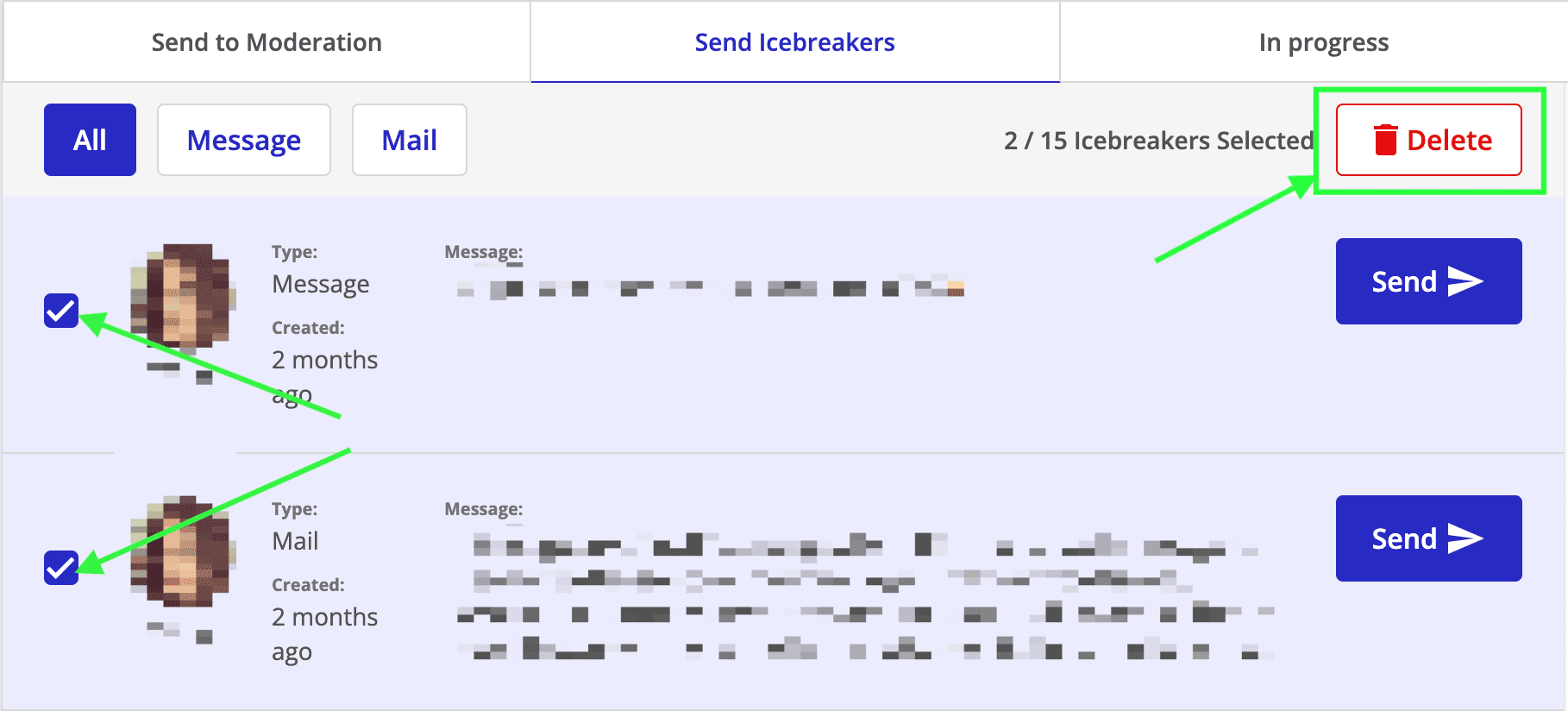
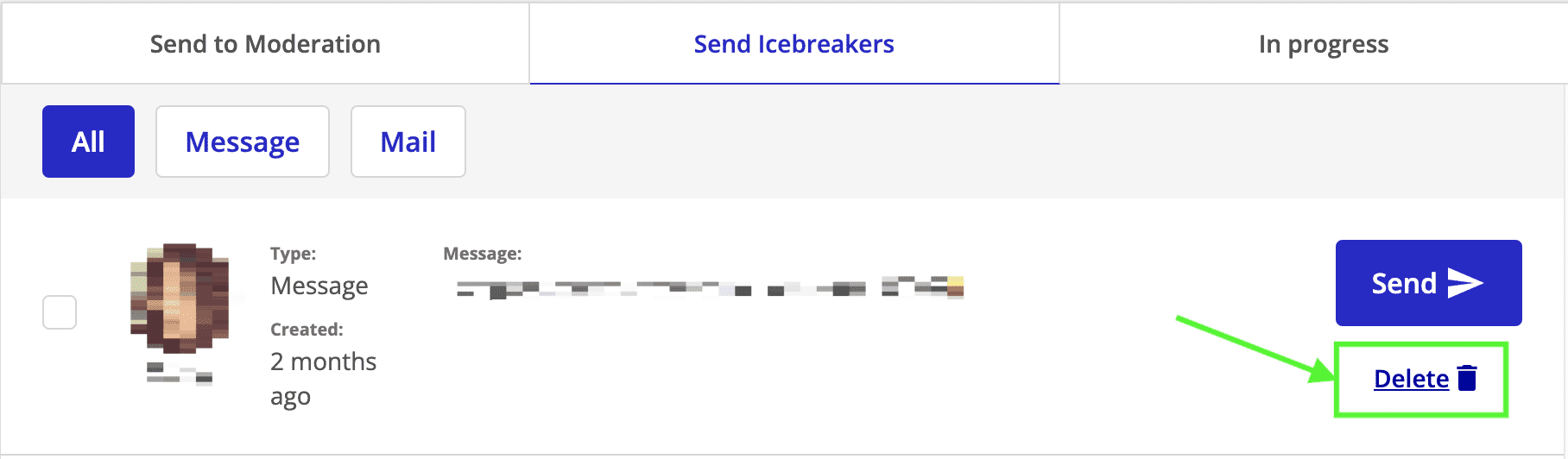
To delete any approved icebreaker in the Send Icebreakers tab, simply click on the Delete button next to the text you want to remove.
Alternatively, you can opt to delete up to 15 texts simultaneously by utilizing the multiple choice option.